KVS (Kernel Video Sharing) vs WP-Script
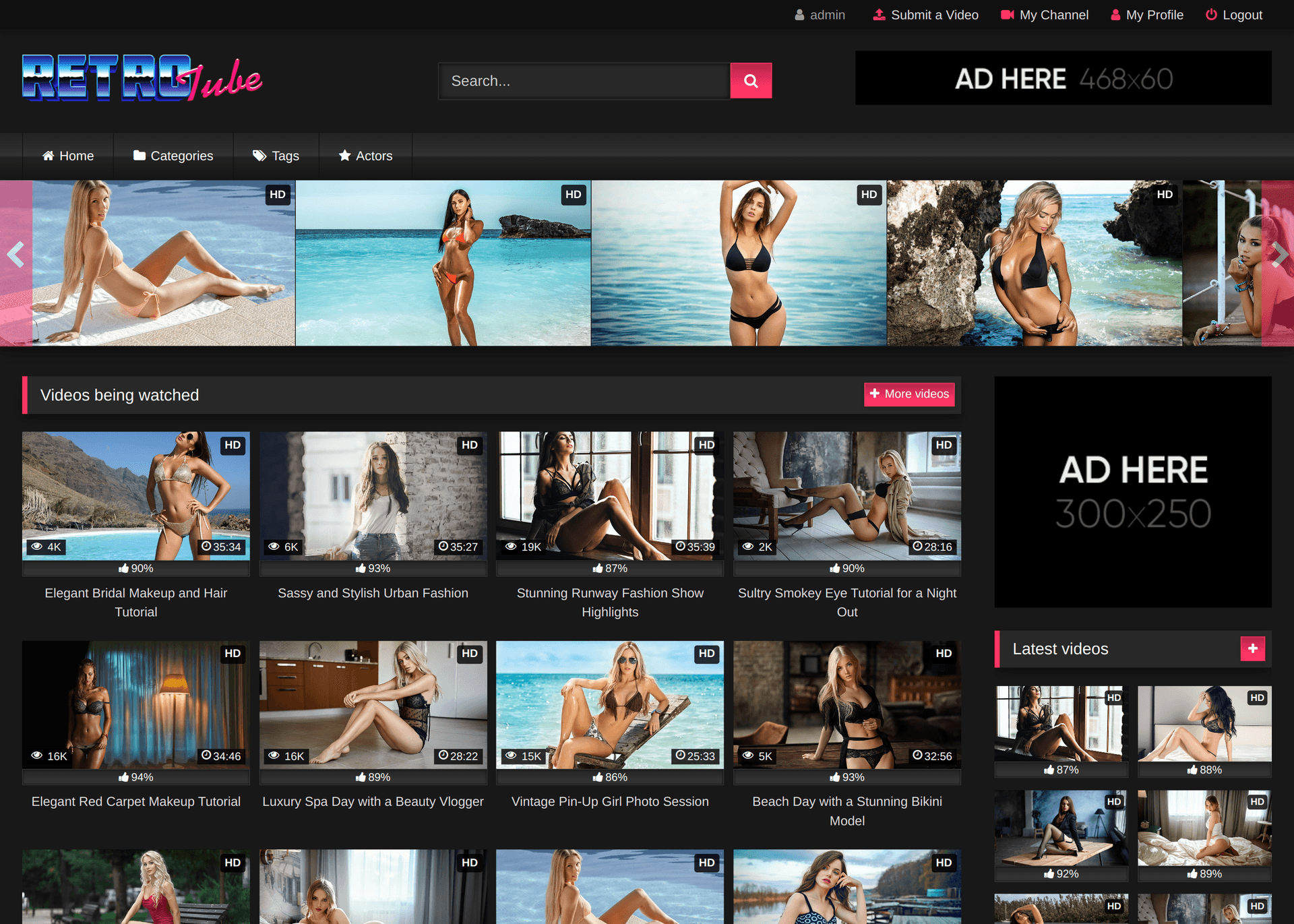
The WordPress alternative to KVS: start a site of embeds on ordinary adult-friendly hosting, pay once, and get lifetime updates with no renewal.
Price today: WP-Script $47 once (Starter Pack), against $99 to $499 once, or $49 a month for KVS.
Updated , every fact checked on the vendor pages.
Our take on KVS
KVS is a serious product, but its prices stop where the long-term costs start. Updates last 6 months (Basic, Advanced) or 1 year (Ultimate), then you renew, and the renewal price is not on the order page. The code is encoded with ionCube unless you buy the source code, and that price is not on the order page either. In our opinion, these are the two numbers you need before you choose a script for years.[3]
The rental is the dearer way to buy. 12 months of the $49 rental cost $588, more than the $499 perpetual Ultimate licence, and when a rental ends you renew it or remove KVS from the server, per the order page.[3]
WP-Script or KVS?
WP-Script, if you start a site of embeds and want to pay once, with no renewal.
KVS, if you host your own videos, sell memberships and have a server admin.
$47
Starter Pack, paid once
$0
WP-Script licence cost in year 2
40+
tube sources in WPS Mass Embedder
PHP 7.2
minimum for WP-Script Core

Choose WP-Script over KVS if
- You start with embeds
- You want WordPress
- You want to pay once
- You want a smaller first bill
Choose KVS over WP-Script if
- You host your own video files and need conversion, watermarks and multi-server delivery
- You sell access
- You run many sites
- You have a server admin, or a host that knows KVS
KVS vs WP-Script, feature by feature
What you pay, how you build the site and how you run it, with a source for every fact.
| Topic | WP-Script | KVS |
|---|---|---|
| What you pay | ||
| Price model | WP-ScriptOne-time payment per product or bundle, no subscription. WP-Script Core is free. Single products $16 to $41 for 1 site. | KVSOne-time licence: Basic $99, Advanced $299, Ultimate $499, one domain each. Or Ultimate rented at $49 a month.[3] |
| Year-1 cost of the software | WP-Script$47 for the Starter Pack (RetroTube + WPS Mass Embedder), or $89 for Full Access on 1 site. AI credits extra, from $31 for 1,000 titles. | KVS$99 to $499 once, or $588 for 12 months of rental.[3] |
| Year-2 cost of the software | WP-Script$0. Licences are paid once, updates included for life. AI credits only if you use the AI. | KVS$0 if you keep your version. Updates stop after 6 months (Basic, Advanced) or 1 year (Ultimate). Renewal price: Not published on the order page. Rental: $588 again.[3] |
| Building the site | ||
| Hosting | WP-ScriptAny host that runs WordPress and allows adult content, shared hosting included. WP-Script Core works from PHP 7.2. | KVSA VPS or a dedicated server. Linux only, PHP 8.2 to 8.4, MySQL 8.0+ or MariaDB 11.6+, ionCube Loader 15+, FFmpeg. Nginx in front of Apache recommended.[4] |
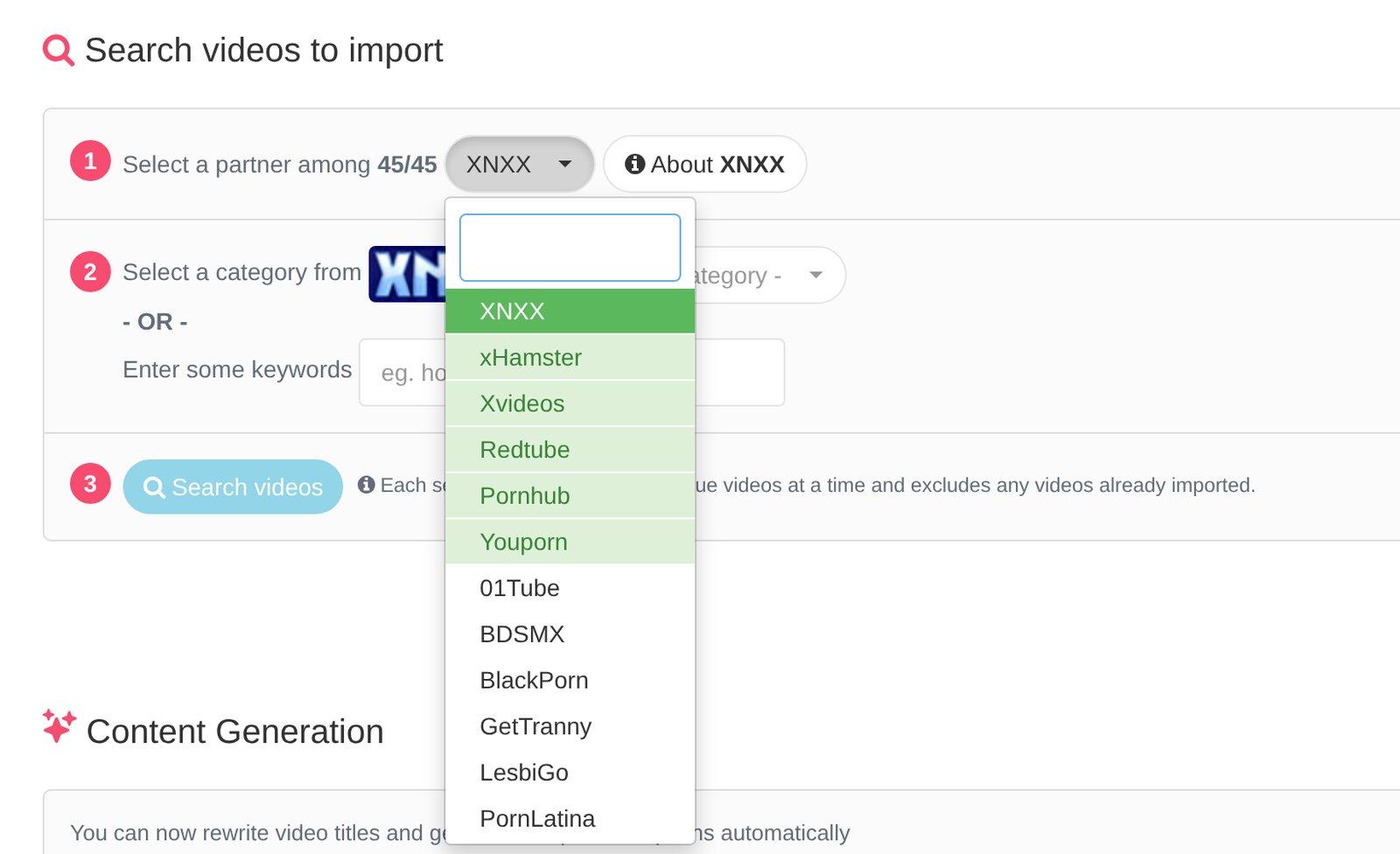
| Content import | WP-ScriptWPS Mass Embedder: 40+ tube sources, imported as embeds. WPS Mass Grabber for affiliate programs, and importers for single videos and YouTube. | KVS"Grabbers for dozens of popular tube sites plus a universal grabber for websites supported by yt-dlp". Grabbers download the video or add the embed code. Import and export feeds.[5] |
| AI titles and descriptions | WP-ScriptIn WP-Script Core, with WPS Credits: 1 credit per title, 3 per description. 20 free credits per account. 1,000 credits cost $31 today. | KVSA "GPT Text Processor" rewrites titles, writes descriptions and translates. NSFW detection needs KVS Conversion Cloud, pay-as-you-go. Rates: Not published.[5] |
| Themes | WP-Script7 themes, $24 each for 1 site, all included in Full Access. | KVSDefault, Default lite and Paysite, plus themes made by KVS partners.[6] |
| Running and earning | ||
| Monetization | WP-ScriptAd zones in every theme, WPS Ad Manager, VAST ads in WPS Player, WPS Paywall for subscriptions (built on WooCommerce), plus 14 plugins in total. | KVSVAST pre-roll, post-roll, pause and overlay ads. Memberships, PPV, subscriptions and tokens (Advanced and Ultimate).[5] |
| Support | WP-ScriptLifetime support with every licence, from the WP-Script Core dashboard (your message goes with the diagnostic of your site). | KVSFree developer support and a free first installation, if your server already meets the requirements. A forum that works as the knowledge base.[3] |
| Updates | WP-ScriptLifetime updates, all WP-Script products updated from one button in WP-Script Core. | KVS6 months included (Basic, Advanced), 1 year (Ultimate), all updates during a rental. Latest dated release: KVS 7.0.2 on June 8, 2026.[3][7] |
| Ownership of the site and data | WP-ScriptYour server, your database. WordPress is GPLv2 or later, and its Tools > Export screen exports posts, custom fields, categories, tags and users to a standard file. | KVSYour server, your database. The PHP code is encoded with ionCube, unless you buy the unencoded source code (price: Not published).[3] |
| Lock-in | WP-ScriptLow: licences do not expire. Embeds depend on the source tube keeping the video (WPS Checker finds the deleted ones). The AI needs WPS Credits. | KVSLow on a perpetual licence. A rental must be renewed, or KVS removed from the server, when it expires.[3] |
| Affiliate program | WP-ScriptYes: 20% commission on every sale, 60-day cookie. See our affiliate program. | KVSNo commission program. Its Partners page lists hosting discounts for KVS customers.[1] |
WP-Script prices on this page are read from our store and refreshed every hour. A sale is on today: Full Access is usually $189 for 1 site, and the Starter Pack $79.
KVS and WP-Script, in detail
Prices, setup and the work each one asks of you.
Does KVS need a renewal? Updates stop after 6 or 12 months
The KVS order page[3] sells three perpetual licences, each for one domain: Basic at $99 ("Core KVS Features"), Advanced at $299 ("Membership & VOD") and Ultimate at $499 ("All KVS Features"). Basic and Advanced include 6 months of updates, Ultimate includes 1 year. All three include a free first installation and free developer support.
Ultimate can also be rented for $49 a month. The order page says that when a rental expires, you renew it, buy a perpetual licence, or remove KVS from the server. Over 12 months the rental costs $588, more than the $499 perpetual Ultimate licence.
After the update period, "installed versions keep working" and renewing updates is optional. We could not find the price of an update renewal on the order page, so we do not print one. Ask KVS before you buy if you plan to stay up to date for several years.
Kernel Video Sharing requirements: the server you need
This is the biggest practical difference. The KVS requirements page[4] asks for:
- A Linux server ("Windows is not supported"), a VPS or a dedicated server according to the order page.
- PHP 8.2 to 8.4, and MySQL 8.0 or newer, or MariaDB 11.6 or newer.
- Apache with mod_rewrite, with Nginx as a reverse proxy in front of it recommended.
- ionCube Loader 15 or newer, unless you bought the unencoded PHP source code.
- FFmpeg with libx264, libavfilter and AAC, and Memcached recommended.
Who looks after a KVS server?
KVS installs the script for free if your server already meets the requirements, and the order page says server OS setup is a separate service. After that, the server is yours to maintain. The KVS news page[7] shows how much of that work is server work: four security alerts about PHP and Nginx between October 21 and November 20, 2026.
This is not a defect of KVS. A site that stores and streams video needs a tuned server with any software. A site of embeds does not: WordPress with WP-Script runs on ordinary adult-friendly hosting, because the tube streams the video. For a first site: start with embeds and learn what your visitors watch before you pay for a video server.
KVS for your own video files, WP-Script for embeds
KVS does both. Its features page[5] says grabbers can "download videos in the selected quality or add embed codes". Its strength is the second half of the job: converting, watermarking, storing on several servers and sending through a CDN.
WP-Script is built for embeds first. WPS Mass Embedder imports from 40+ tube sources, and WPS Player plays the files you host yourself, in mp4 or m3u8, with VAST ads. If most of your catalog will be your own files, KVS has more tools for that. This fails the other way too: a site of embeds does not need a conversion server.
KVS themes: Default, Default lite and Paysite
The KVS themes page[6] lists three themes: Default, Default lite and Paysite, plus "additional themes created and supported by KVS partners" on another site. A KVS theme is built with the KVS website builder, so you customize it inside KVS.
WP-Script sells 7 tube themes for WordPress, $24 each for 1 site, and all of them are in Full Access. RetroTube is the one we recommend to start. You can also use any WordPress theme, and WP-Script plugins keep working.
Moving from KVS to WP-Script
If your KVS videos are embeds from tubes that WPS Mass Embedder supports, import them again from the source. You get fresh titles, thumbnails and tags. If your videos are your own files, keep them on your storage or CDN and play them with WPS Player.
Keep your search traffic: map each old video URL to its new one with a 301 redirect, and send your new sitemap to Google Search Console.
- Install WordPress on your host, then the free WP-Script Core, and follow its setup guide.
- Activate your theme (RetroTube in the Starter Pack) and WPS Mass Embedder.
- Import your niche from the same tubes you used with the KVS grabbers.
- For your own video files, create the posts with their file URL and use WPS Player.
- List your old video URLs (your KVS sitemap has them) and add a 301 redirect from each one to its new URL.
- Submit the new sitemap in Google Search Console.
Questions about KVS
How much does KVS cost?
What are the Kernel Video Sharing requirements?
Can KVS run on shared hosting?
Which themes does KVS have?
Where is the Kernel Video Sharing forum?
Is KVS open source?
Can I import videos from KVS tubes into WordPress?
What is the best KVS alternative for a new site?
Leaving KVS for WordPress?
Start a site of embeds on ordinary hosting, paid once, with no renewal.

Starter Pack
For one tube site
RetroTube, our main theme, and WPS Mass Embedder, which fills it with videos from 40+ tube sources.
$47
Paid once, 1 site, lifetime updates
Get the Starter PackNeed every theme and plugin, or many sites?

Full Access
For every theme and plugin
Every WP-Script theme and plugin, and the future ones, under one licence. $174 for unlimited sites.
$89
Paid once, 1 site, lifetime updates
See Full Access
Both install with WP-Script Core, our free plugin: guided setup, one-button updates, support from your dashboard and 20 free AI credits. Every licence comes with a 14-day money-back guarantee.
Download Core freeNot sure about KVS? Compare others
The same checks, for the other tube scripts, themes and platforms.
Standalone tube script
TubePress vs WP-Script
Prices you can read before you build: WP-Script licences are paid once, and our AI price is public.
WP-Script
$47 once (Starter Pack)
TubePress
Free CMS, paid credits
Read the comparisonStandalone tube script
Tubes Booster vs WP-Script
Lifetime updates instead of 6 months, and no server stack to set up from scratch.
WP-Script
$47 once (Starter Pack)
Tubes Booster
$49 once, one domain
Read the comparisonStandalone tube script
Adult Script Pro vs WP-Script
The importer is in the Starter Pack, major upgrades are free, and you have 14 days to ask for a refund.
WP-Script
$47 once (Starter Pack)
Adult Script Pro
$199 to $499 bundles
Read the comparisonWordPress theme or plugin
Vicetemple vs WP-Script
The original behind PornX: RetroTube and our importers, with named sources, any host and a 14-day refund.
WP-Script
$47 once (Starter Pack)
Vicetemple
$99 per domain (PornX)
Read the comparisonWordPress theme or plugin
Tube Ace vs WP-Script
A full set of themes and importers updated in November 2026, against one plugin last updated in February 2025.
WP-Script
$47 once (theme and importer)
Tube Ace
From $79.95 (plugin), free theme
Read the comparisonWordPress theme or plugin
WP-Tube-Plugin vs WP-Script
Named sources and dated releases, per site or for unlimited sites, with lifetime support.
WP-Script
$47 for 1 site, $174 unlimited
WP-Tube-Plugin
$149 once, unlimited domains
Read the comparison
Sources of the KVS comparison
- [1]KVS partners page (kernel-video-sharing.com/en/partners/): affiliate program: hosting discounts for customers, no affiliate commission. Checked November 21, 2026.
- [2]KVS home page (kernel-video-sharing.com/en/): since 2009, 14,000+ sites, CDN and S3 storage, payment processors, AI tools. Checked November 21, 2026.
- [3]KVS order page (kernel-video-sharing.com/en/order/): licence and rental prices, update periods, packs, VPS or dedicated server, free installation. Checked November 21, 2026.
- [4]KVS requirements (kernel-video-sharing.com/en/requirements/): Linux, PHP 8.2 to 8.4, MySQL or MariaDB versions, ionCube, FFmpeg, Nginx, cPanel advice. Checked November 21, 2026.
- [5]KVS features (kernel-video-sharing.com/en/features/): grabbers, yt-dlp, embed or download, GPT Text Processor, Conversion Cloud. Checked November 21, 2026.
- [6]KVS themes (kernel-video-sharing.com/en/themes/): Default, Default lite and Paysite themes. Checked November 21, 2026.
- [7]KVS news (kernel-video-sharing.com/en/news/): KVS 7.0.2 on June 8, 2026, security alerts of October and November 2026. Checked November 21, 2026.
- [8]WordPress licence: GPLv2 or later. Checked November 21, 2026.
- [9]WordPress Tools > Export documentation: what the WordPress export contains. Checked November 21, 2026.
- WP-Script pricing: every WP-Script price on this page, read from our store when the page was built (refreshed every hour).